Pixel Art Animation Generator: Pick an Action
Upload one image, pick an action, and get an 8-frame looping pixel animation in about a minute.
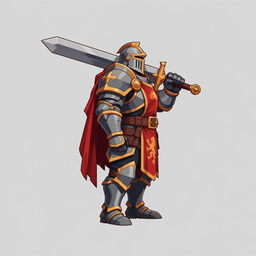
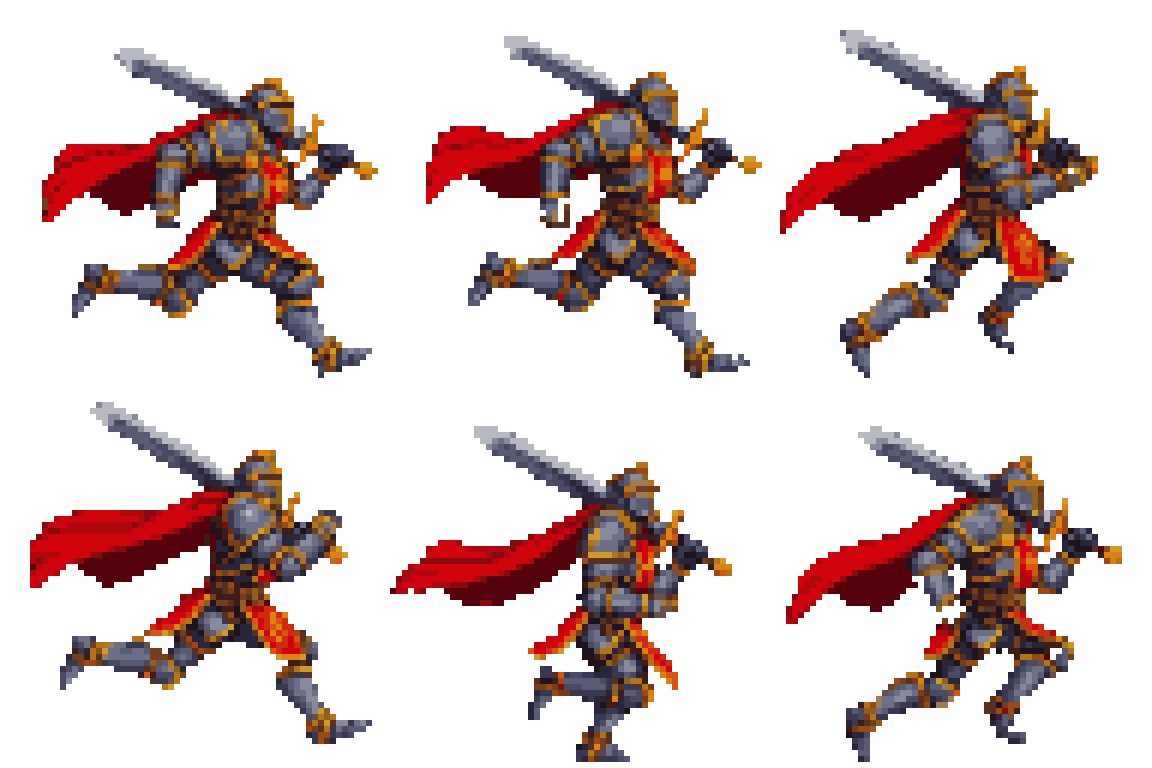
- 8 frames · 10 fps
- 32–128 px
- 1 credit from $2.99
Eight actions, one custom
Each action is one animation for 1 credit. Choose it after you have confirmed the pixel still.
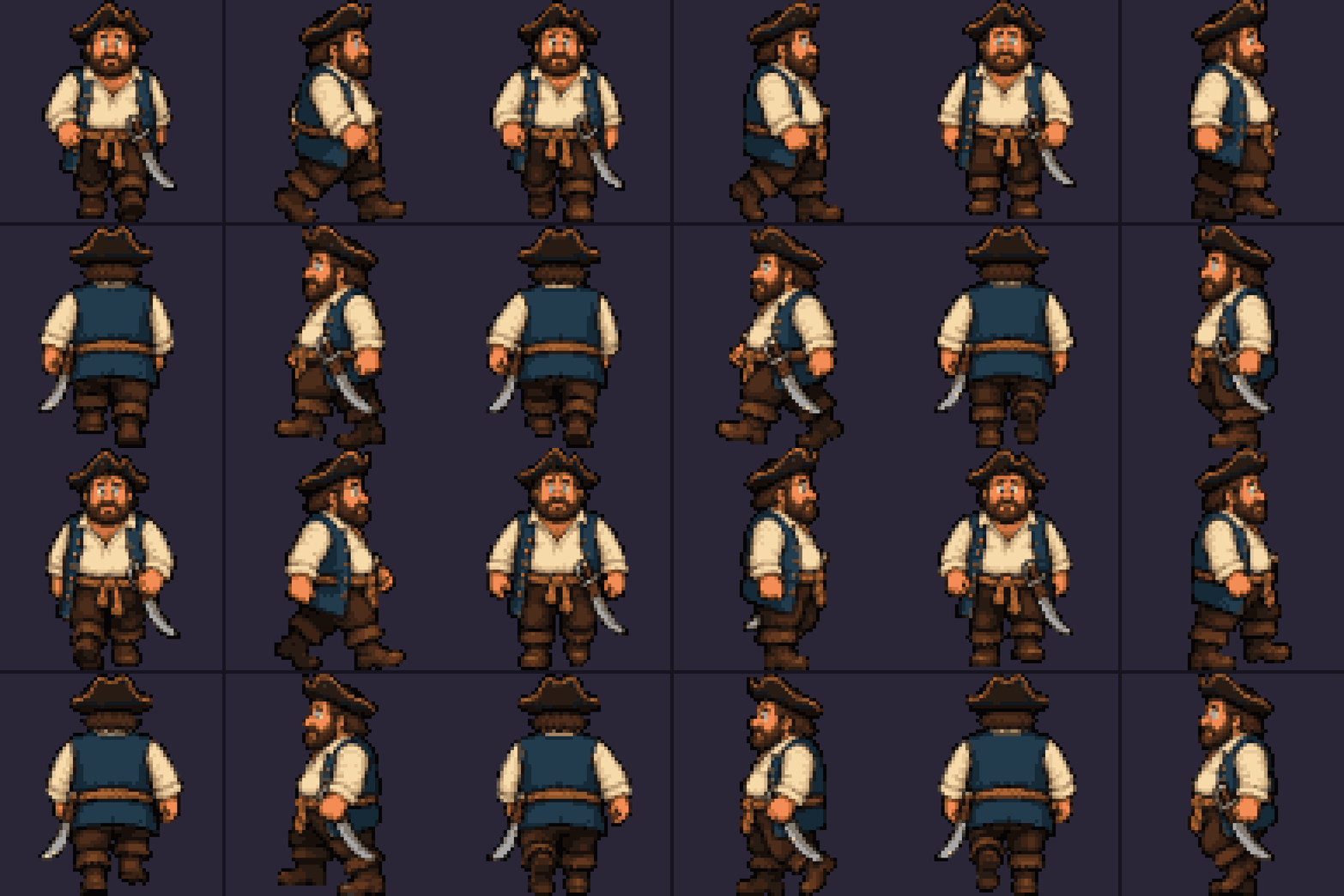
Walk4 directions A looping walk. The only action that also comes in 4 directions (front, right, back, left).
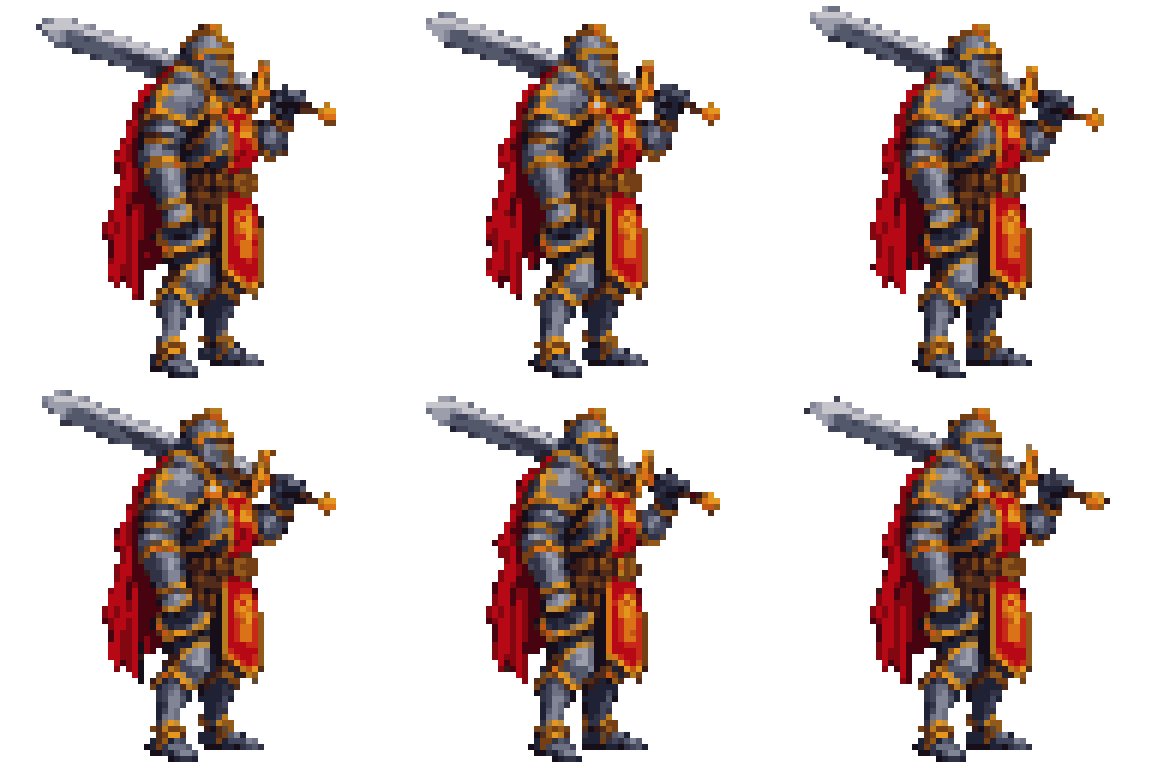
Idle8 frames · 10 fps A standing loop for when the character is waiting.
Run8 frames · 10 fps A faster loop for chasing, fleeing or sprinting.
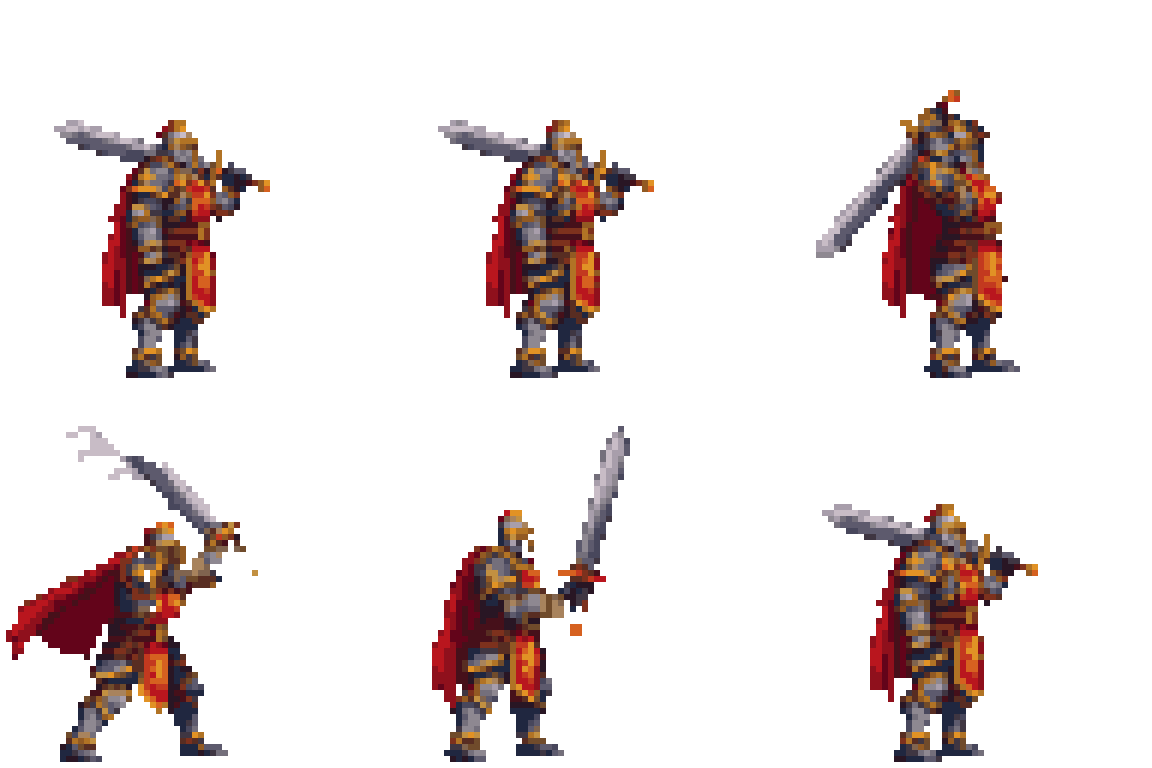
Attack8 frames · 10 fps A single attack swing or strike, shown as a loop.
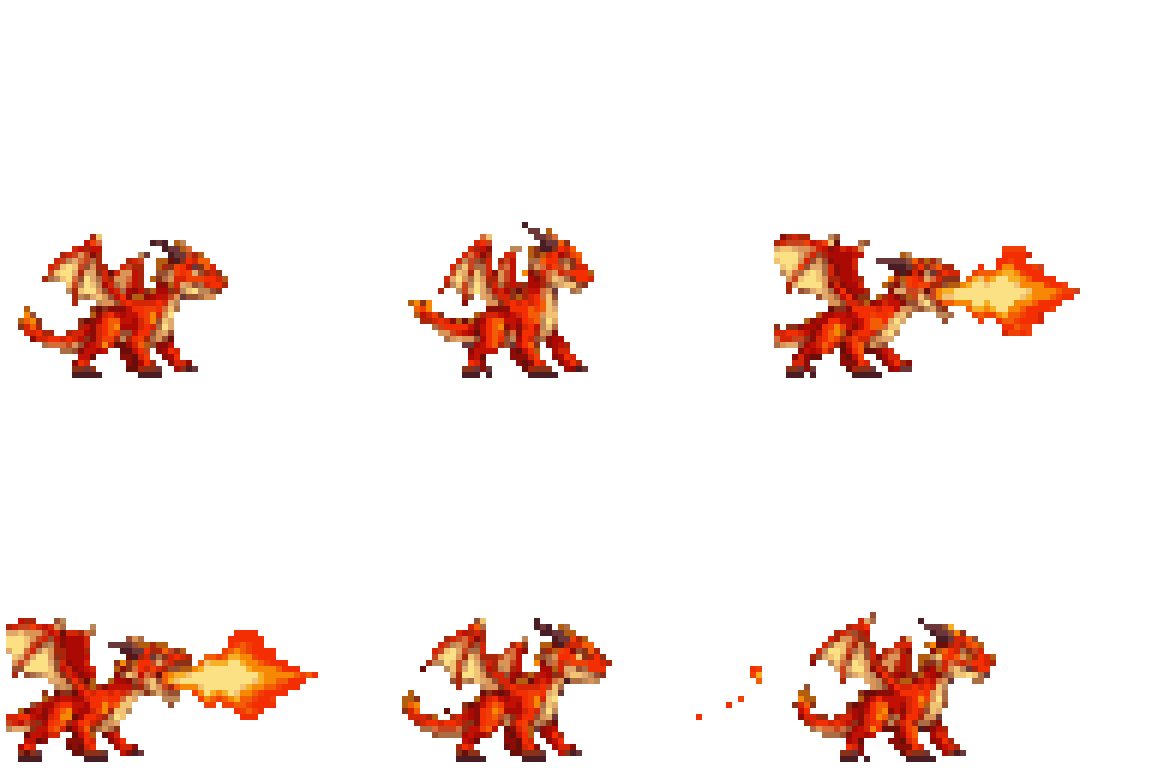
Fire8 frames · 10 fps Fire breath or a ranged blast toward one side.
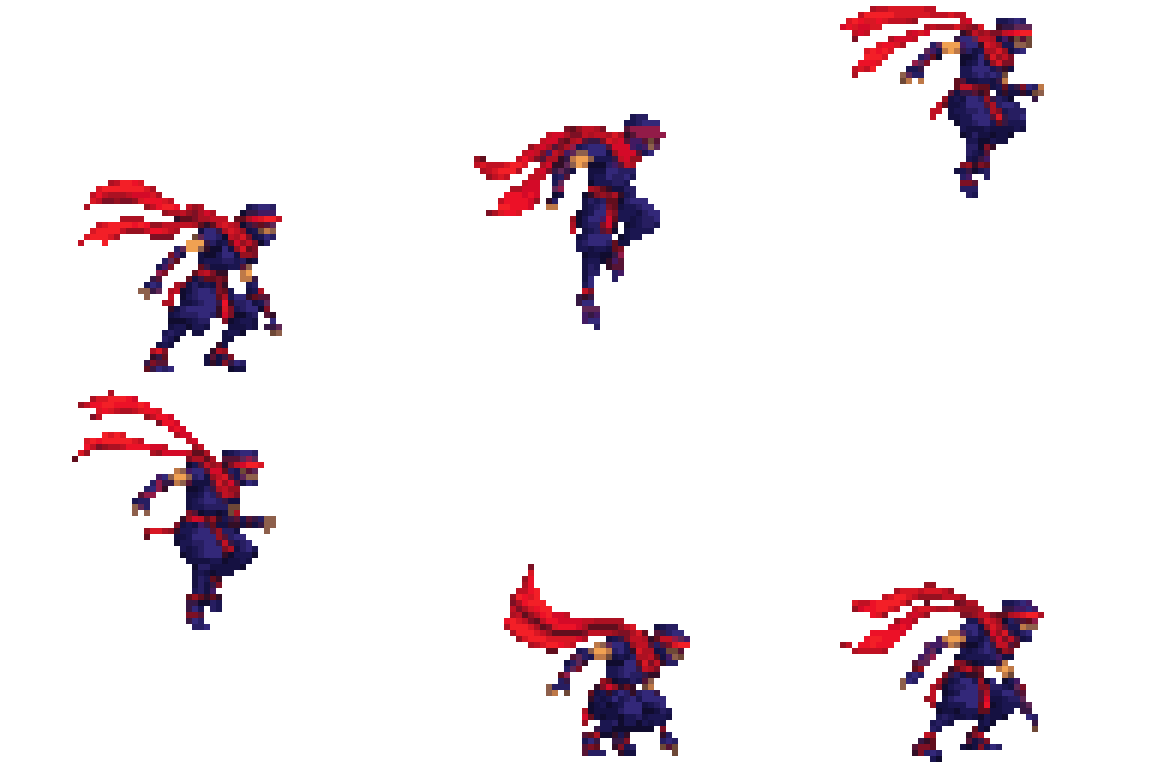
Jump8 frames · 10 fps A jump, from crouch to landing, in one loop.

Item8 frames · 10 fps An animated object, such as a potion.

VFX8 frames · 10 fps Spell and effect animations, such as lightning.
- CustomYour own words
Describe the motion in your own words when none of the presets fits.
Want all four facings of a walk? See the 4-direction sprite sheet generator. For how a walk loop is built, read the pixel art walk cycle guide.
How it works
- Upload one image of a character, item or effect (PNG, JPG or WebP, up to 8 MB).
- Loopixel first draws a transparent pixel still in about 12 seconds. You can redraw it for free up to 2 more times (3 tries in total), so you confirm the look before anything moves.
- Pick the action. The animation takes about a minute.
- Download a ZIP with the sprite sheet PNG, a transparent looping GIF, the individual frames and an atlas file, in five frame sizes from 32 to 128 px.
What you get
The same output for every action, so one import setup works for all of them.
| Frames | 8 per animation, looping |
|---|---|
| Speed | 10 fps (each frame lasts 100 ms) |
| Single-direction sheet | 1 row × 8 frames |
| 4-direction sheet | 4 rows × 8 frames, walk only. Rows: front, right, back, left |
| Frame sizes | 32, 48, 64, 96 and 128 px square, all in every ZIP |
| Palette | At most 24 colours per size, locked across every frame |
| Cost | 1 credit per animation, in one direction or all 4 |
Want it as a single sheet from any image rather than a choice of action? That is what the image to sprite sheet page covers.
Good to know
- Loopixel animates one image you already have. It does not invent a character from a text prompt alone.
- 4-direction output is walk cycles only. Idle, run, attack and the rest are single-direction.
- Every animation is 8 frames at 10 fps. There is no custom frame count or frame rate.
- Frame sizes are fixed at 32, 48, 64, 96 and 128 px square. There are no custom sizes and no 8-direction mode.
- To repaint single frames by hand, import the sheet into a pixel art editor such as Aseprite.
- No skeletal rigging, 3D output or tilesets. If you need those, a full game asset suite or a rigging tool fits better.
For a side-by-side look at other sprite tools, see the PixelLab comparison and the full list of facts and limits.
What it costs
1 credit = 1 animation, in one direction or as a 4-direction walk cycle. Credits start at 3 for $2.99, are paid once and never expire. A new account that signs in with Google gets 2 free previews, clearly visible with a small Loopixel tag. See all credit packs.
Pixel art animation questions
What is the best way to make a pixel art animation with AI?
Start from an image you already like, because the result follows it closely. Loopixel turns that image into a transparent pixel still first, which you confirm, then animates it as an 8-frame loop. That order keeps the character from drifting between frames.
Which animations can I generate?
Walk, idle, run, attack, fire, jump, item and VFX, plus a custom action you describe in text. All of them are single-direction except walk, which can also be made in 4 directions.
How long is a pixel animation and how fast does it play?
Each animation is 8 frames looping at 10 fps, so a loop lasts 0.8 seconds. The sheet is one row of 8 square frames, or four rows for a 4-direction walk.
Can I use the animation in my game engine?
Yes. The sheet is a PNG with fixed square cells and no padding, so it slices on a grid in Godot, Unity, GameMaker, Aseprite and Phaser. There are step-by-step guides for the first four on this site.
How much does it cost?
1 credit per animation. Credit packs are one-time purchases from $2.99 and never expire, with no subscription. New accounts that sign in with Google get 2 free previews.
Related tools and guides
- Image to sprite sheet
- 4-direction sprite sheet
- RPG Maker sprite generator
- PixelLab alternative
- Ludo.ai alternative
- No-subscription sprite generator
- Facts and comparison
- Godot sprite sheet
- Unity sprite sheet
- Aseprite sprite sheet
- Pixel art walk cycle
- GameMaker sprite sheet
- GIF to sprite sheet converter
- Sprite sheet to GIF converter
- Sprite sheet guides