All Loopixel tools and guides
Workflows, engine import guides and comparisons for turning one image into a pixel sprite sheet.
Core Workflows
Start from one image and get a sheet you can drop into a game.
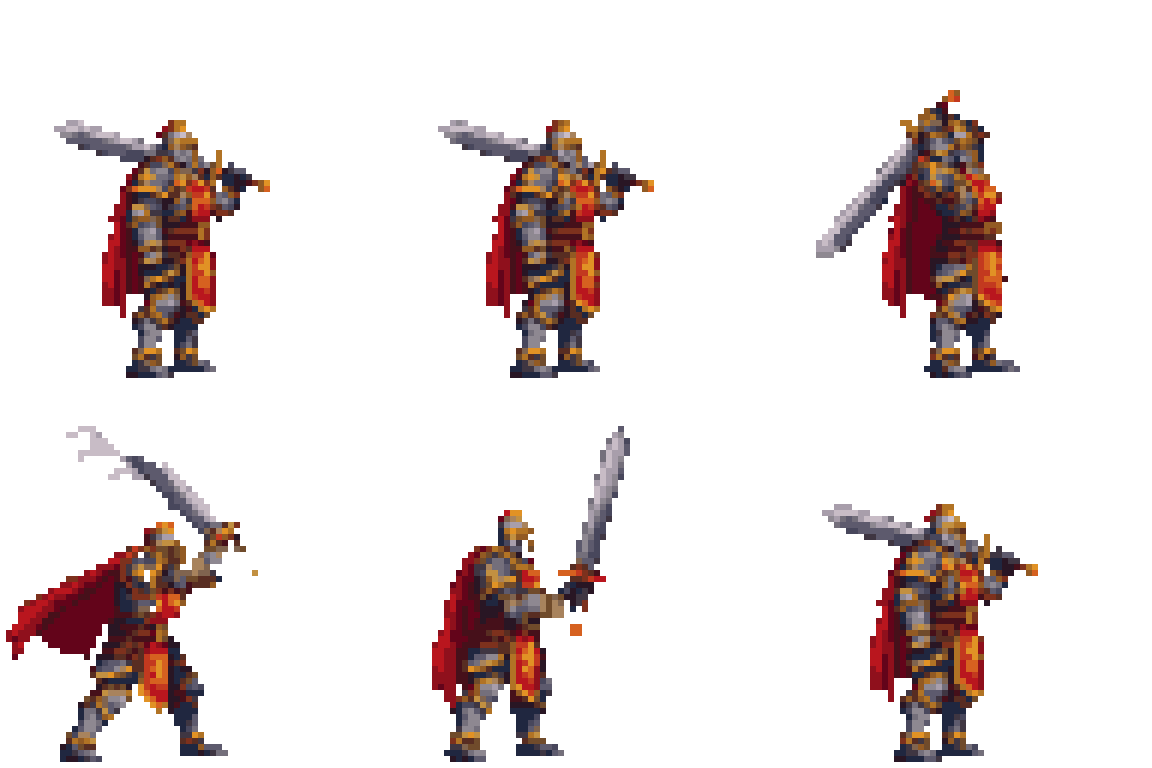
Image to Sprite Sheet
Turn one image into a transparent pixel sprite sheet, in five sizes from 32 to 128 px.
Open →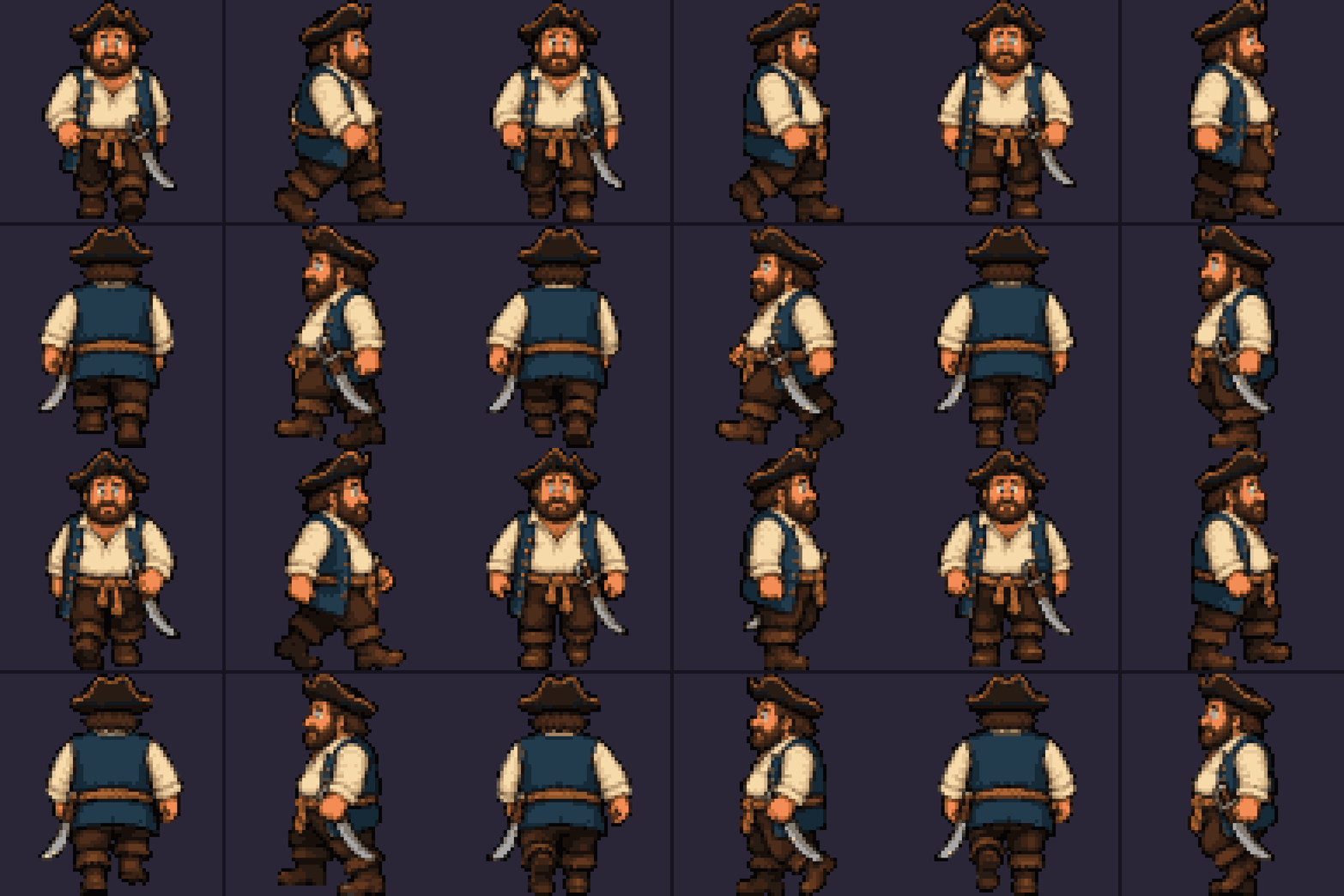
4-Direction Sprite Sheet
Front, right, back and left walk cycles on one sheet, all 4 directions for 1 credit.
Open →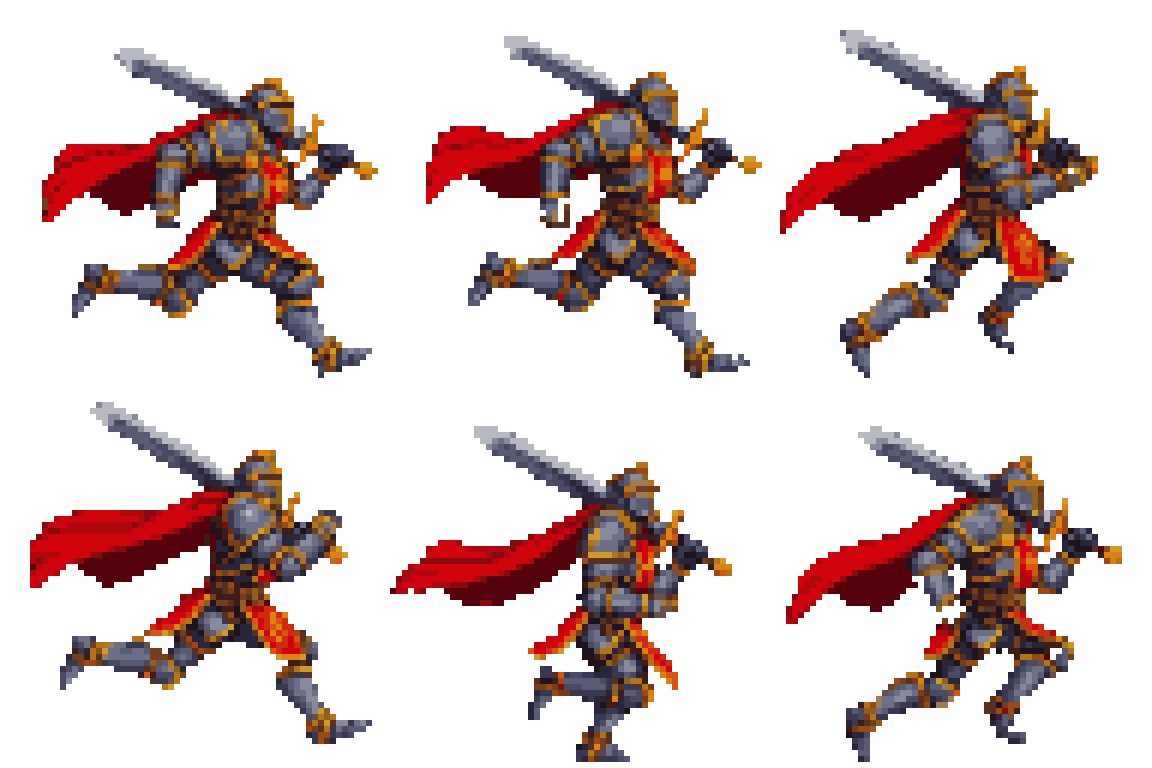
Pixel Art Walk Cycle
How an 8-frame side-view walk cycle works, and how to generate one from a single image.
Open →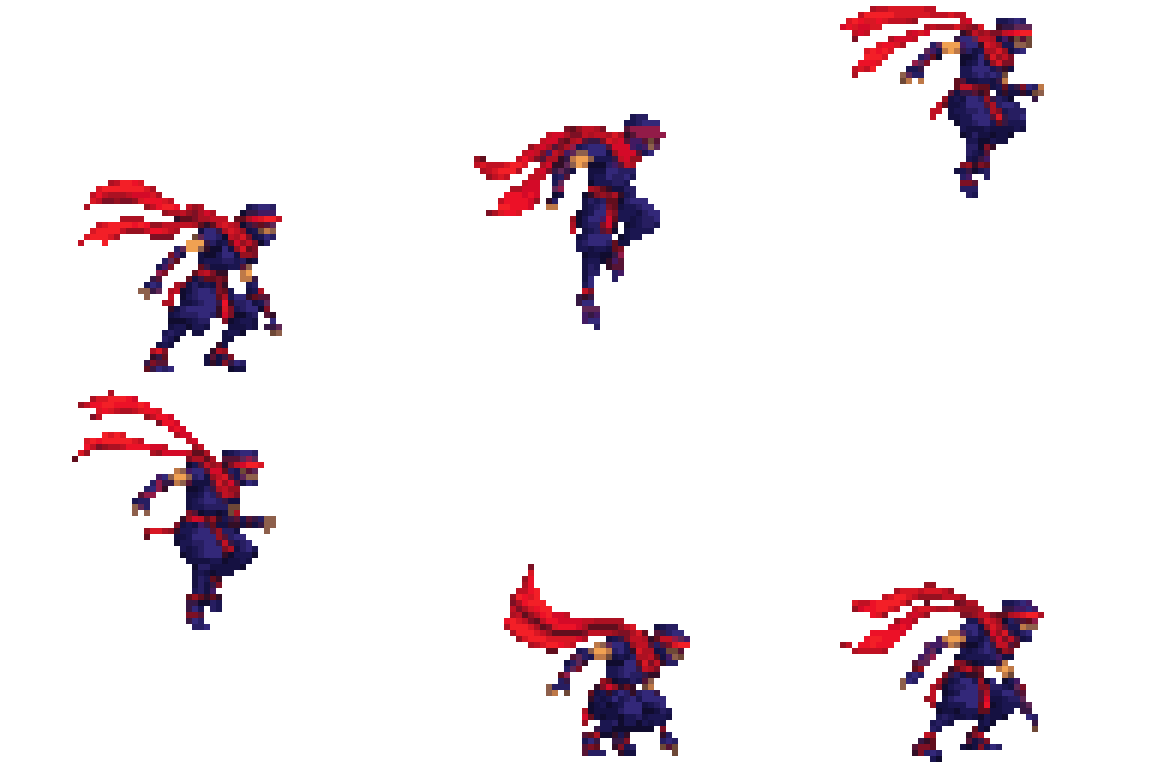
Pixel Art Animation Generator
Pick an action (walk, idle, run, attack, jump or your own) and get an 8-frame looping pixel animation.
Open →Free converters
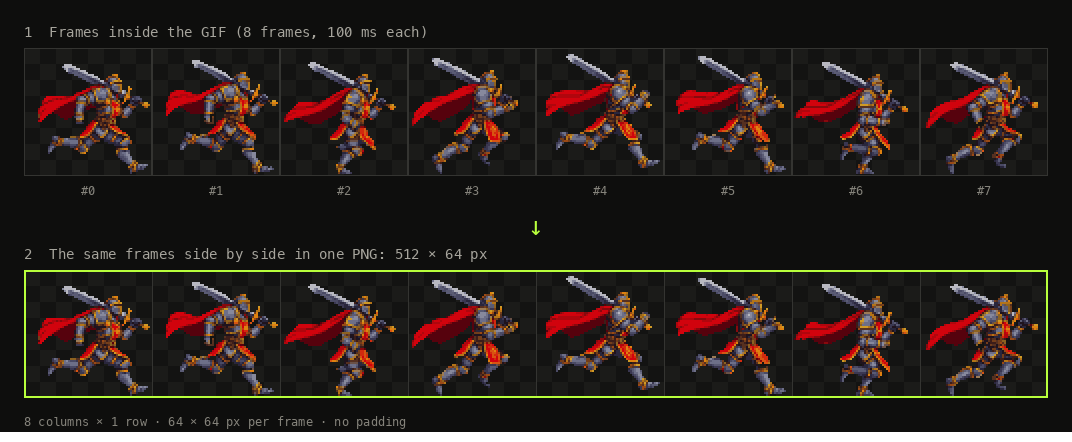
Browser tools that convert between GIFs and sprite sheets. Your files are not uploaded.
Game Engines & Export
Step-by-step import guides for the engine you already use.
Godot Sprite Sheet
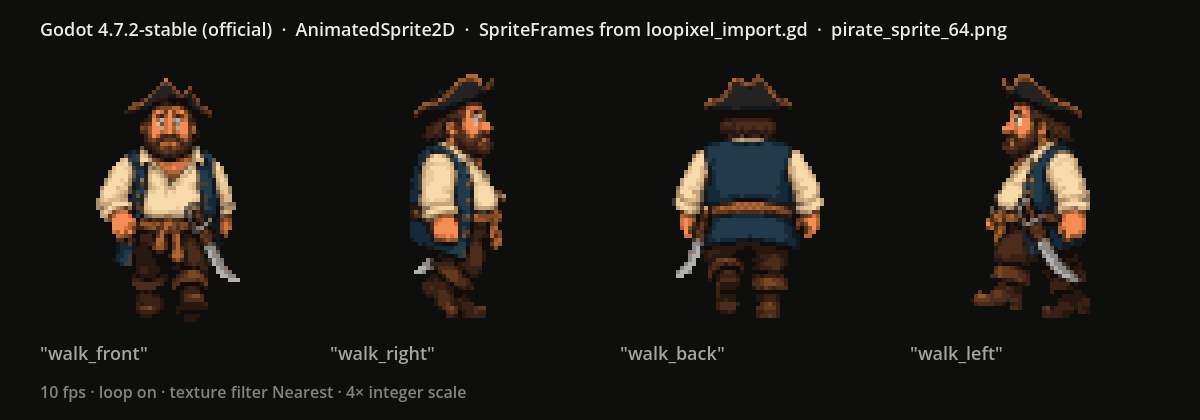
Slice a sheet into a Godot 4 AnimatedSprite2D in the editor, or run the free import script.
Open →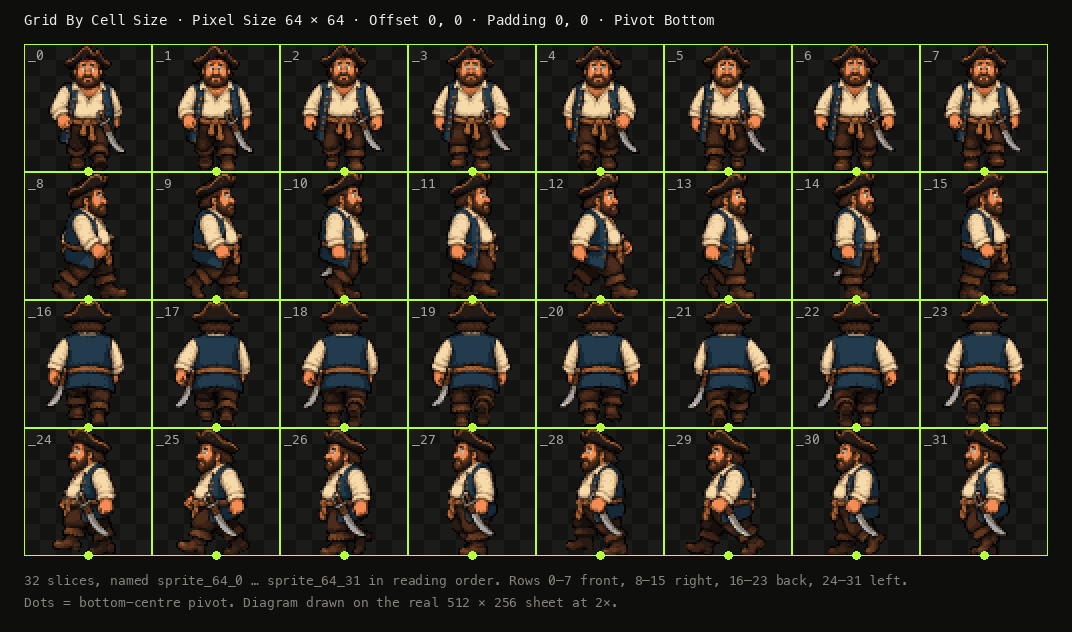
Unity Sprite Sheet
Import a sheet into Unity, slice it with Grid By Cell Size and build an animation clip.
Open →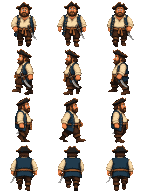
RPG Maker Sprite Generator
4-direction walk sprites with native 48 × 48 px frames for RPG Maker MV and MZ.
Open →
Aseprite Sprite Sheet
Bring a generated sheet into Aseprite with File > Import Sprite Sheet, touch up frames, export.
Open →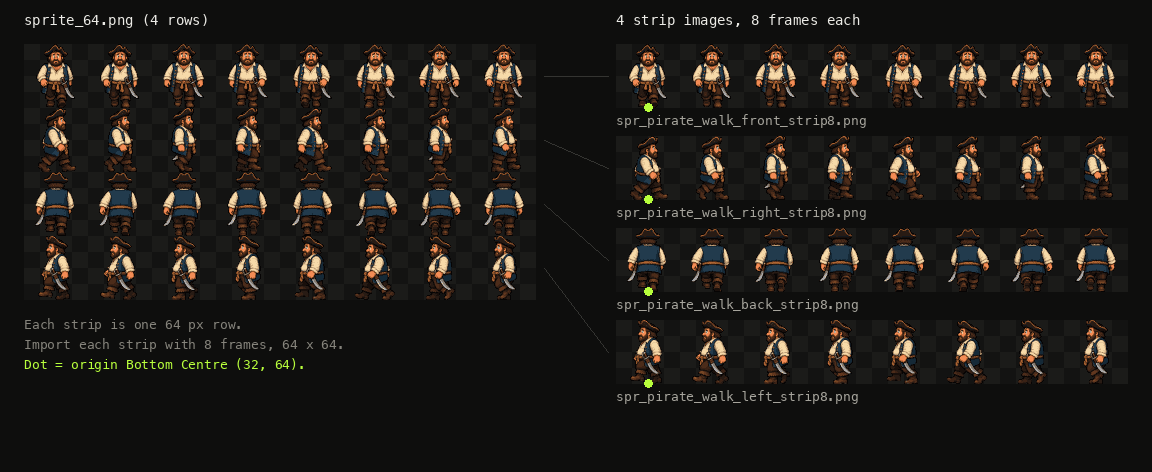
GameMaker Sprite Sheet
Import a strip into GameMaker with Import Strip Image, set the origin and speed, and use it as a sprite.
Open →Guides
Short tutorials on the problems that come up after you have a sheet.
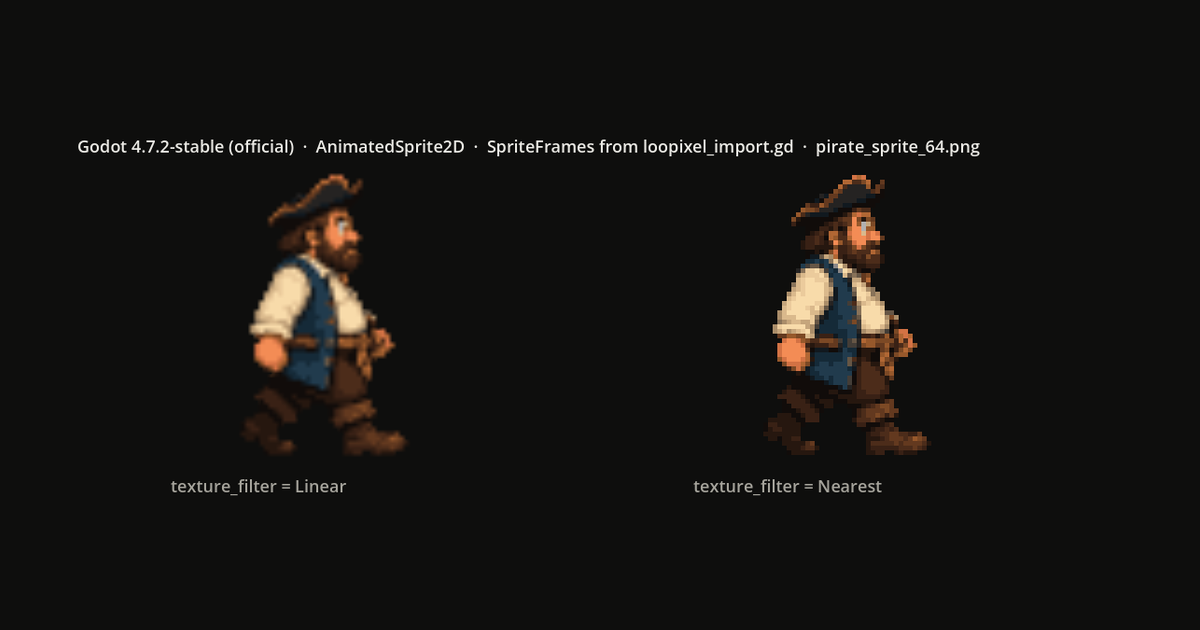
Blurry Pixel Art in Godot and Unity
Why pixel art looks soft in an engine, and the filter settings that fix it.
Open →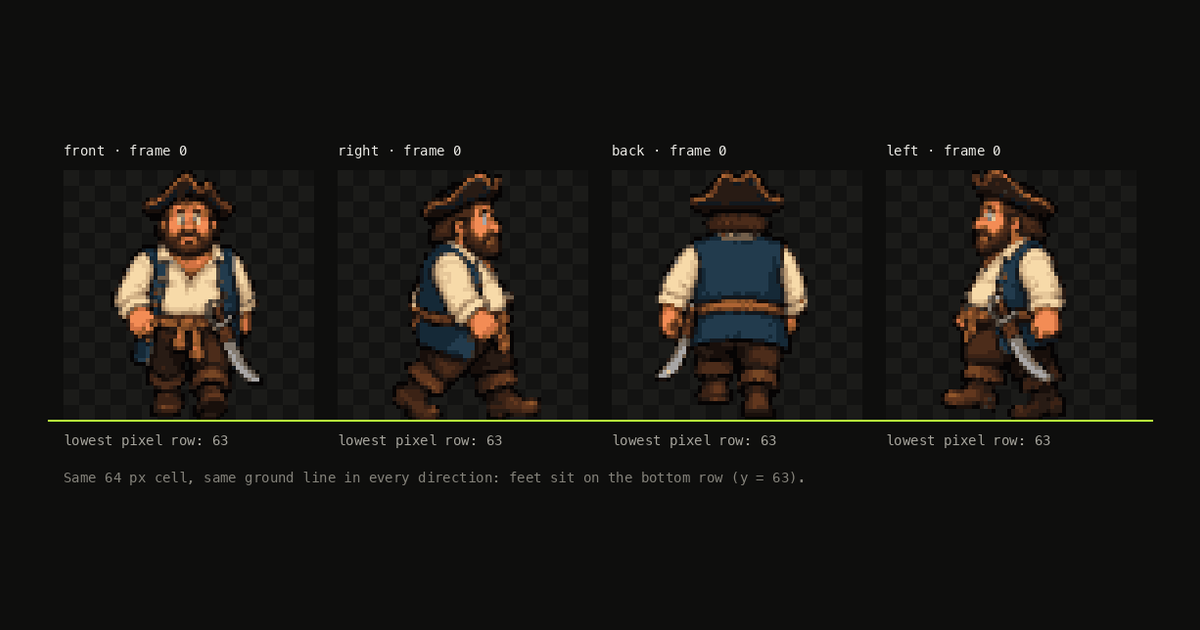
4-Direction Walk Cycle Frame Rate
Keep front, right, back and left walk loops in step so they play at the same speed.
Open →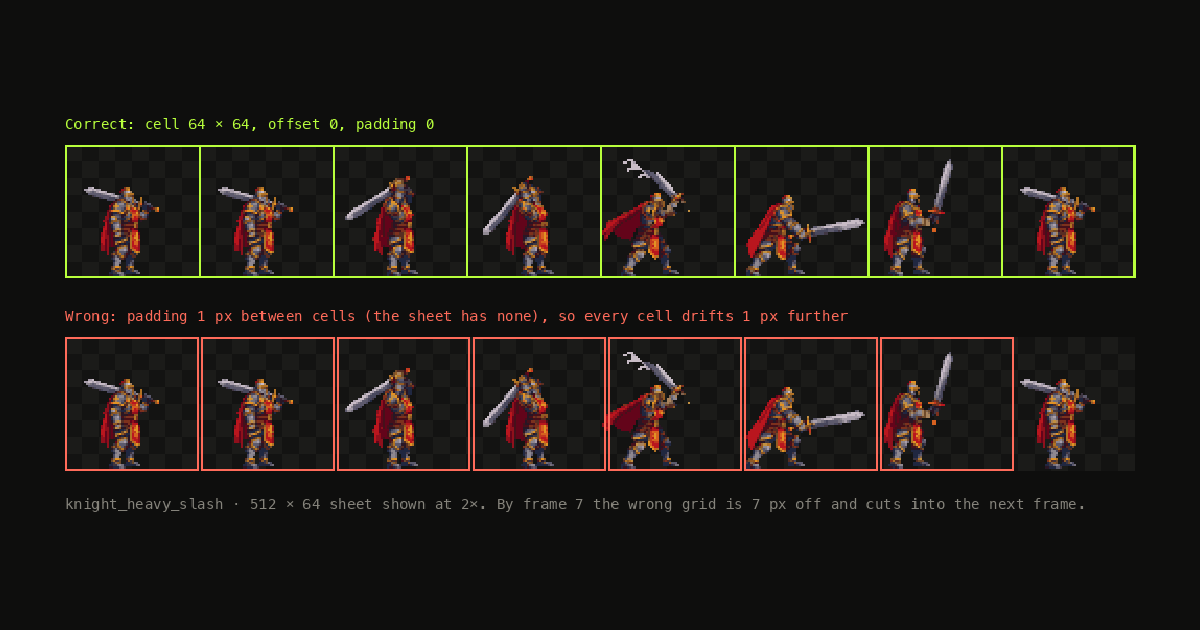
Slicing: Grid, Padding and Pivot
How cell size, padding and pivot choices decide whether a sheet slices cleanly.
Open →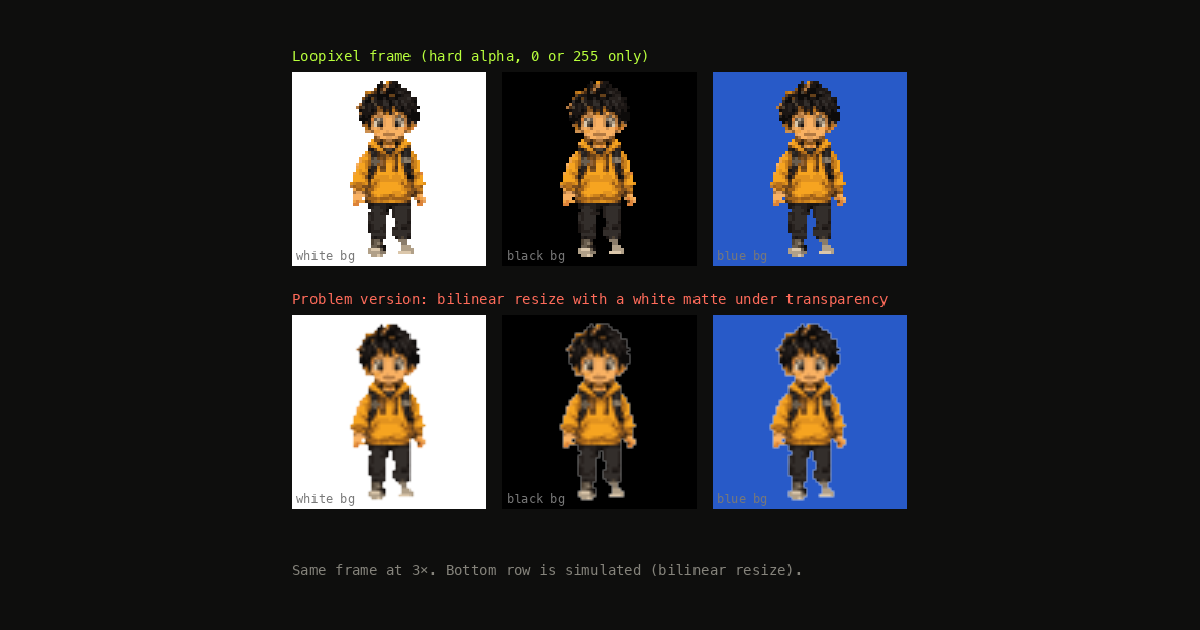
Fix White Edges on Sprites
Why a white or dark rim shows around a transparent sprite, and the Godot 4, Unity and Aseprite fixes.
Open →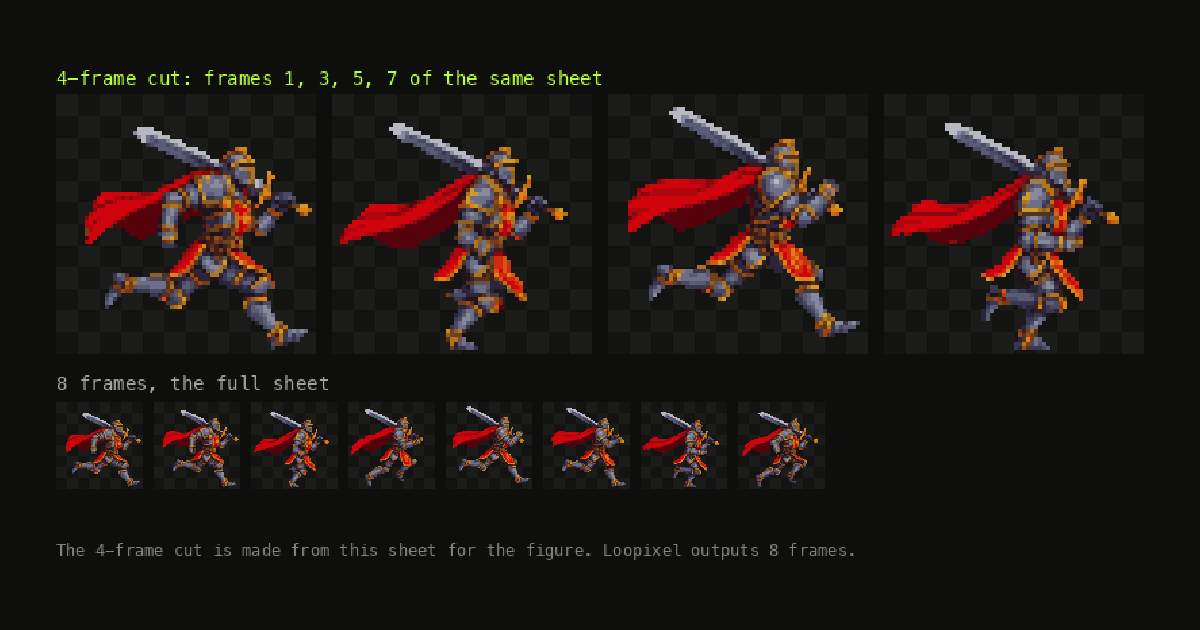
Pixel Art Run Cycle
How a run differs from a walk, 4, 6 or 8 frames, and a real 8-frame breakdown.
Open →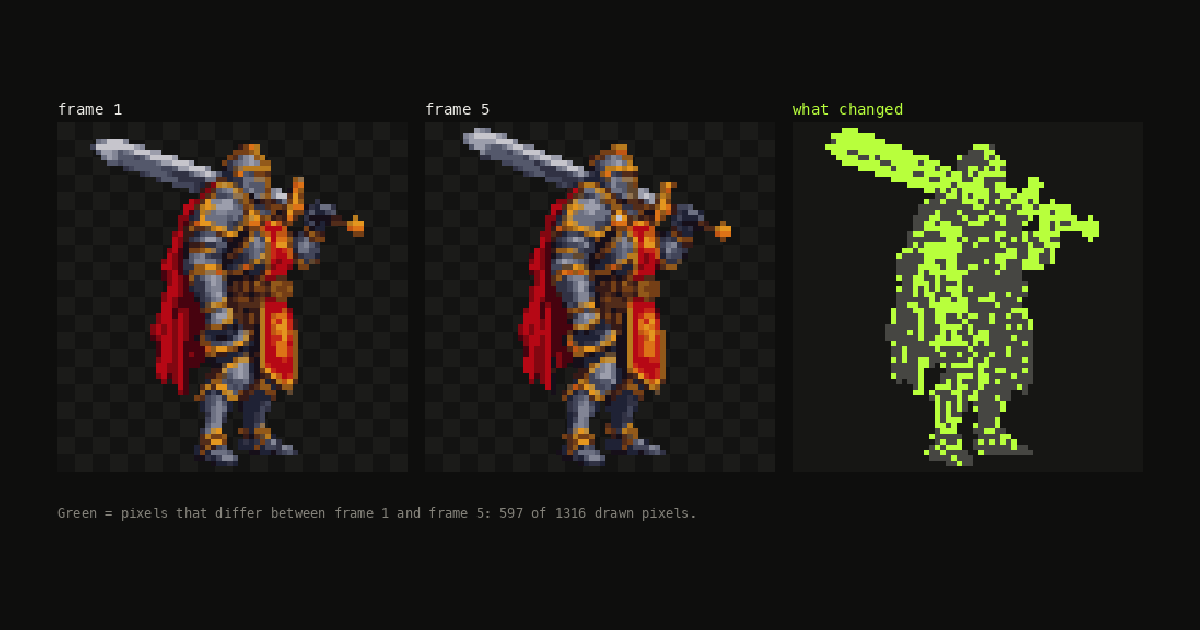
Pixel Art Idle Animation
How a breathing idle loop works, how many frames and how slow, and engine setup.
Open →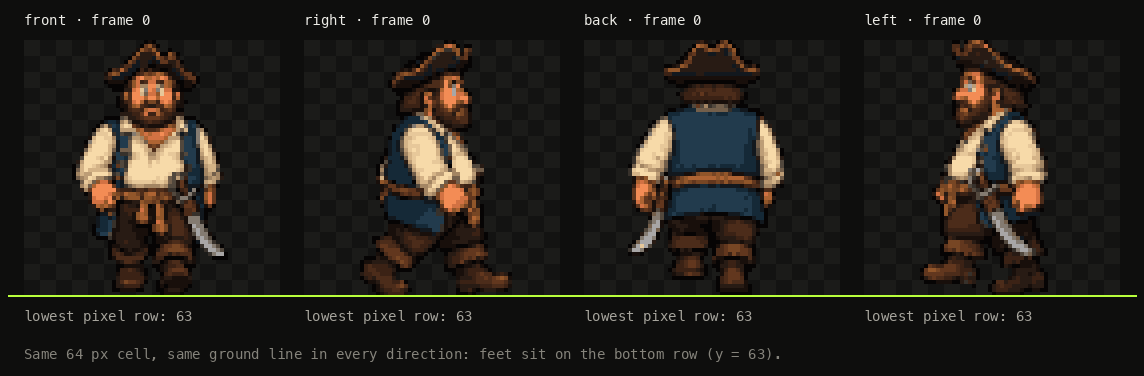
All guides
Every Loopixel tutorial in one list.
Open →Comparisons
Fair, public-pricing comparisons, including when another tool fits better.
PixelLab Alternative
How Loopixel compares with PixelLab for one image to sprite sheet, and when PixelLab is the better pick.
Open →
Ludo.ai Alternative
How Loopixel compares with Ludo.ai for pixel sprite sheets, and when Ludo.ai is the better fit.
Open →
No-Subscription Sprite Generator
One-time credit packs from $2.99 that never expire. No monthly plan to cancel.
Open →Ready to make a sprite sheet?
Upload one image and get a looping pixel animation in about a minute. Try 2 free previews first.